
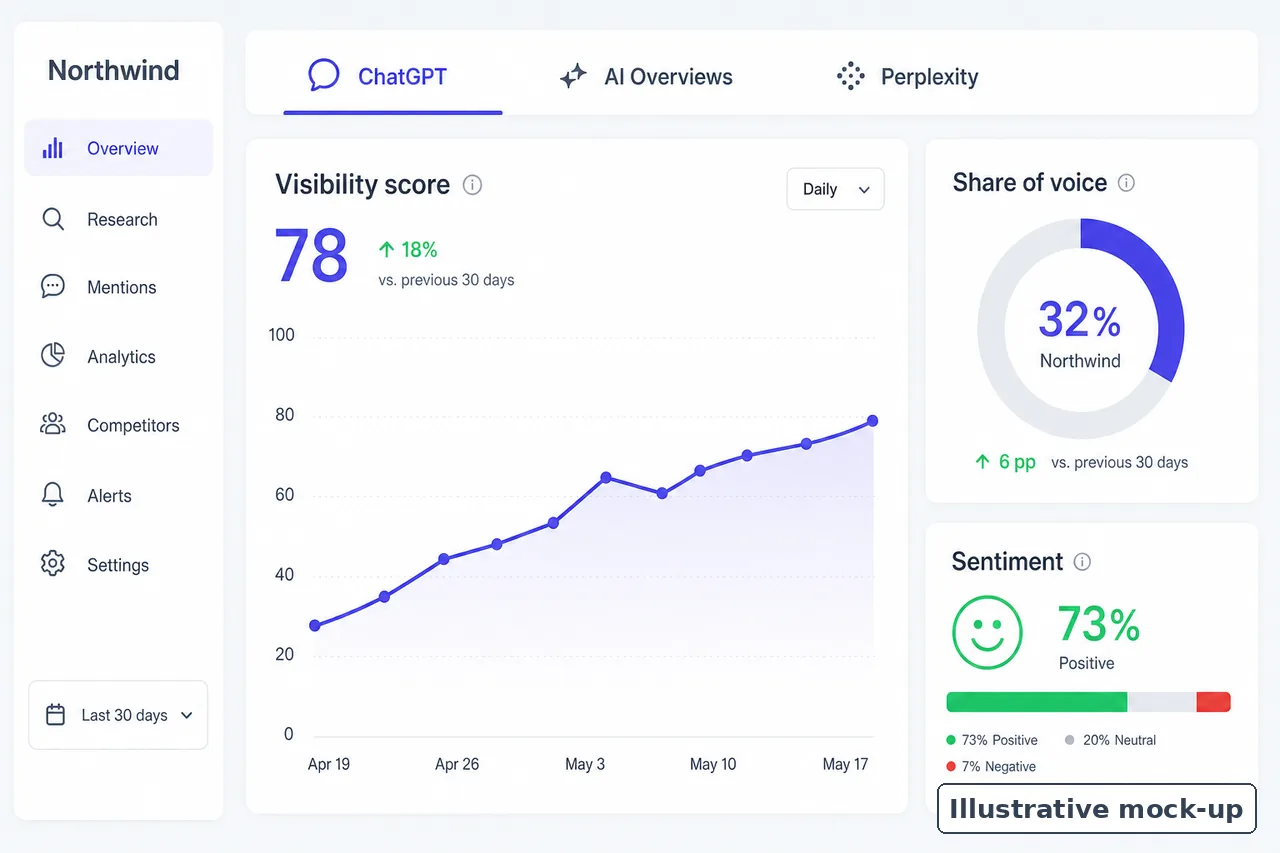
Searchable.com sells a workspace for watching how AI engines talk about your brand, and a new user can move through it in a fairly predictable order. This walk-through follows that order using only features the company documents, from a free report to a weekly habit.
There are no customer stories here and no promised results. Where numbers appear, they are illustrative, invented only to show how a screen reads.
- Baseline. You run the free report to see how ChatGPT, Claude and Perplexity describe you.
- Setup. You start the 14-day trial and write the prompts you want tracked.
- First readout. You learn to read visibility, position and sentiment together.
- Competitors. You compare share of voice and see which pages engines cite instead of yours.
- Traffic. You connect GA4 and Search Console to separate AI referrals from other visits.
- Action. You draft content and run audits against the gaps you found.
- Routine. You review weekly and decide whether the tool earns its place.
When You Run the Free Visibility Report First
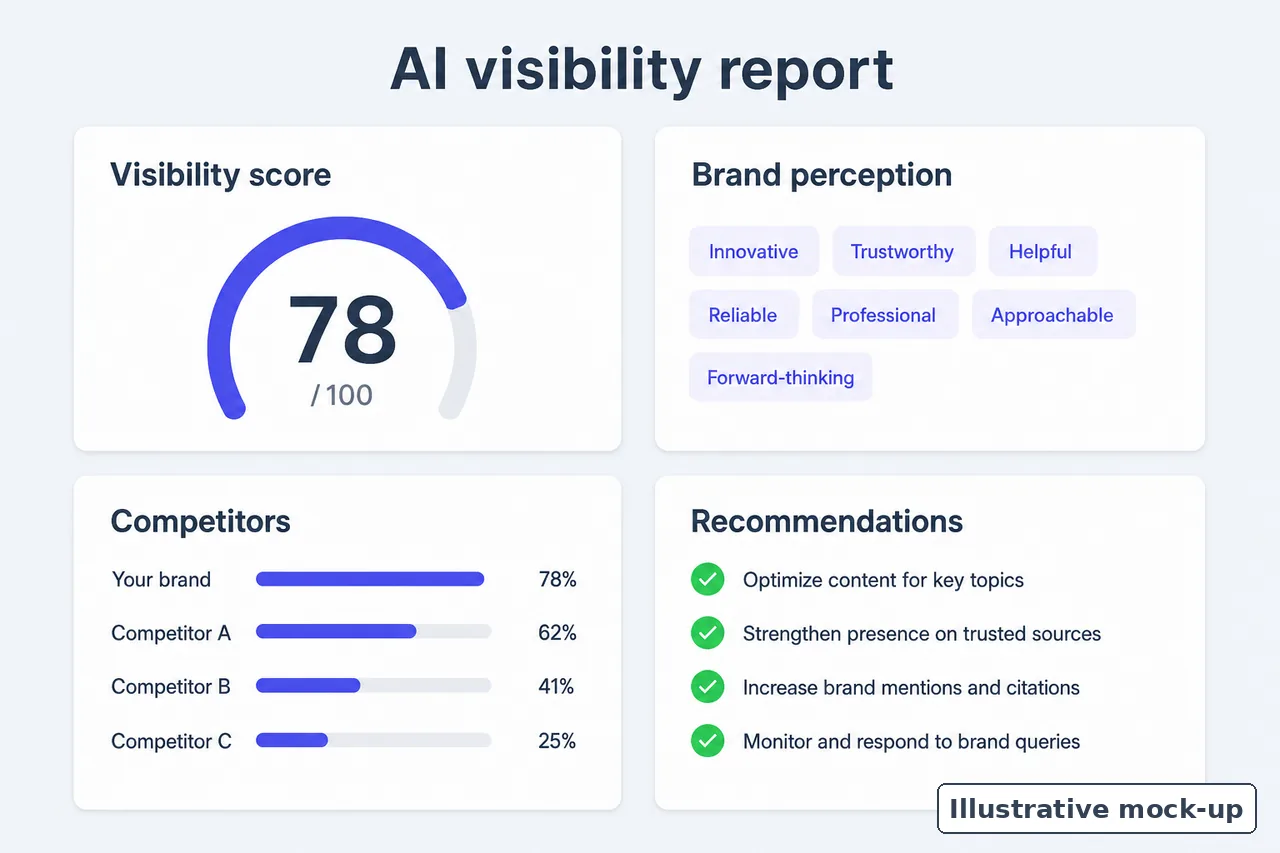
You type a brand name or website into the free report page and get a snapshot before committing to anything. Searchable says the report covers ChatGPT, Claude and Perplexity, and it returns four things.
- A visibility score
- Brand perception, meaning how the engines describe you
- Competitor insights
- Recommendations
Treat it as one reading. AI answers vary from run to run, so a single report is a starting point, not a verdict on where you stand.
It is still worth keeping notes. Write down which competitors appear and which phrases the engines use about you, because those notes make good raw material for your first tracked prompts.
When You Start a Searchable.com Trial and Write Your Prompts
The trial lasts 14 days. On the $125 per month entry plan you get 100 tracked prompts, and the pricing page says prompts run daily across available AI models. A hundred slots sounds like a lot until you start writing.
Building the list
The Prompts feature page suggests several kinds of prompt. A sensible order for drafting them looks like this.
- List the buyer questions people ask before they know your name.
- Add competitor comparisons and category searches.
- Add local variations and use-case prompts if they apply to you.
- Group everything by topic, funnel stage, intent, location, and branded versus unbranded.
- Keep a separate list of new questions to explore, since the product separates tracking known prompts from researching new ones.
Why the branded split matters
A Searchable article on brand visibility reports that the median brand appears in 93% of branded prompt answers but only 7% of unbranded ones. A list heavy on branded prompts will flatter you.
Tip. Write prompts the way a buyer would type them into a chat box, not the way your marketing team names your category.
When You Read Your First Week of Results
Searchable’s home page FAQ says most users see initial insights within minutes of setup. That is the company’s claim. The steadier picture arrives once a week or so of daily runs has stacked up.
What each prompt shows
The Prompts page lists these fields for every tracked prompt.
| Field | What it tells you |
|---|---|
| Visibility score | How present your brand is in answers to that prompt |
| Average position | Where you tend to appear when you are named |
| Sentiment | The tone engines use when they describe you |
| Platform coverage | Which engines mention you |
| Competitor context | Who else appears for the same prompt |
| Topic, intent and demand indicators | How the prompt fits the rest of your list |
The AEO Insights view rolls these up and adds citation trends, mention trends and response-level evidence, so you can open the actual answer behind any number. The page itself says “AI visibility does not live in one metric.”
Example. Illustrative numbers only. Say your brand appears in 4 of 10 sampled answers for a prompt and is usually named second. You are near the top when present but absent most of the time, and the response-level evidence shows which answers left you out.
When You Put Competitors Beside Your Brand
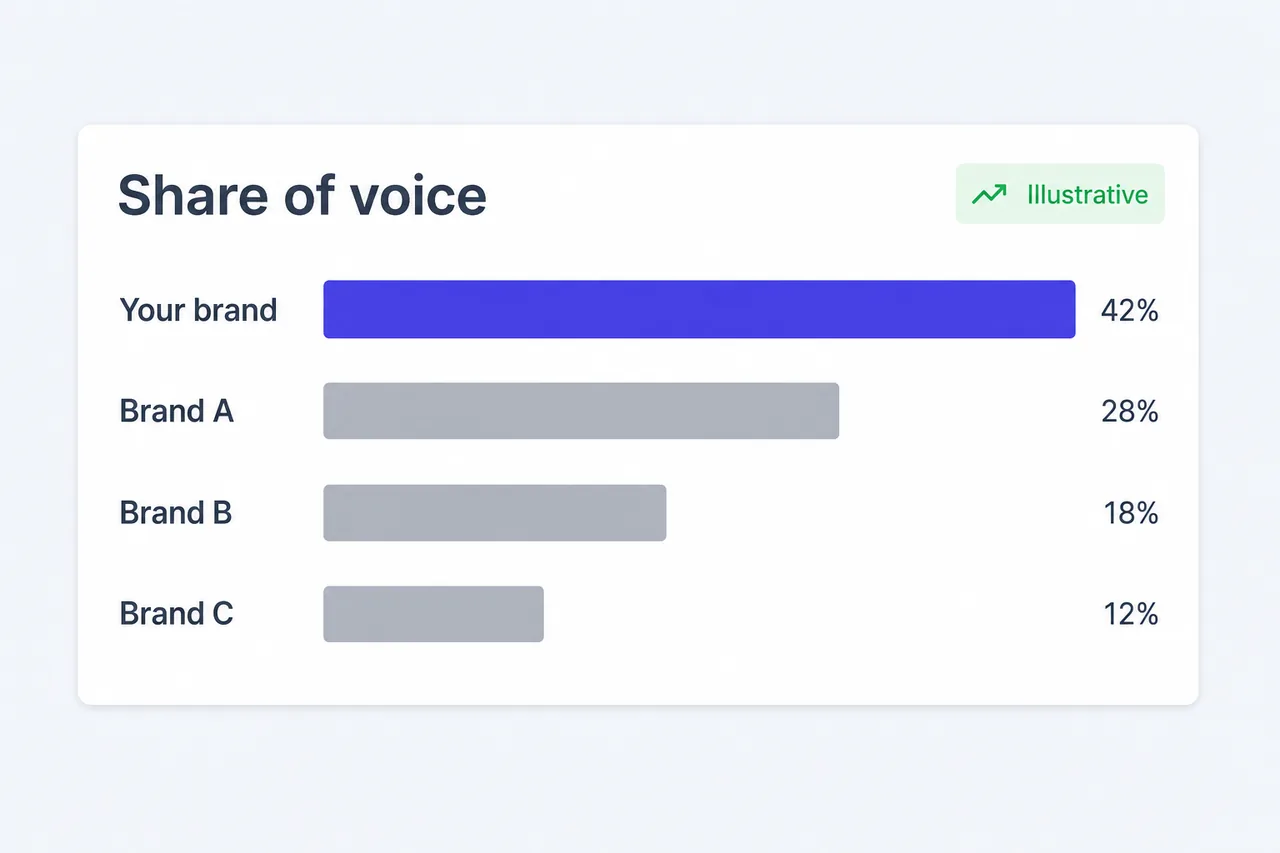
Share of voice is where the dashboard turns comparative. AEO Insights shows it next to cited domains and URLs, and it flags content gaps where competitors are cited and you are not. Around that sit a few related tools.
- Competitive benchmarking across your tracked prompts
- Real-time alerts for mentions, ranking changes and competitor activity
- Query variations that show how wording changes who gets named
- Cited domains that reveal which third-party sources the engines lean on
Reading the cited domains
The cited domains list tends to be the most practical part, since a Searchable article reports that brands’ own sites earn only about 5% of citations on unbranded prompts.
For context, Searchable also runs a public data hub of anonymized citation datasets for ChatGPT, Google AI Overviews and Perplexity, with 30-day trends updated daily. It sorts citations into social and community, B2B review, knowledge and reference, and news sources, a handy frame for sorting your own list.
Caveat. A competitor’s lead on a few prompts may simply be answer variability. Look for gaps that persist over several weeks before acting on them.
When You Connect GA4 and Search Console

Visibility matters only if it leads somewhere, so the next stop is the Traffic feature. You connect Google Analytics 4 and Search Console through OAuth, and Searchable separates referrals from ChatGPT, Perplexity, Claude and others from organic search and from “direct”.
What Search Console will not split out
Google’s documentation on AI features says traffic from AI Overviews and AI Mode is counted within the Web search type in the Performance report. You will not find a separate AI Overviews line there.
Note. Connecting these accounts shares data with Searchable. Its privacy policy lists GA4 and Search Console data among what it collects once connected.
Crawler data with a beta label
LLM Analytics adds AI crawler activity, bot types and crawl-to-click attribution. It is a useful extra for seeing which bots visit before any referral arrives.
Warning. LLM Analytics is marked beta on its feature page. Treat its crawl-to-click figures as directional until that label comes off.
When You Sell Products That Show Up in Shopping Results
If buyer prompts in your category return product cards, the Shopping feature records them. It logs the product cards and shopping results engines return for your prompts and breaks them down at product, brand, merchant and prompt level.
That lets you see whether an engine names your brand but points shoppers to another merchant, or shows a competitor’s product for a prompt you track.
Note. The product data itself starts outside Searchable. Google’s Search Central guidance on succeeding in AI search asks site owners to keep Merchant Center and Business Profile information up to date.
When You Turn Gaps Into Content and Fixes
This is the Create step in Searchable’s Monitor, Analyze, Create model. The entry plan includes 20 articles a month and 200 site or page audits. Drafting happens in Content Studio, while the workspace Agent answers AI search questions alongside it.
A working order for each gap
- Open the response-level evidence and note which pages the engines cited.
- Run a site or page audit on the page you want cited instead.
- Check its AEO score and the content optimization suggestions.
- Draft or revise the page in Content Studio.
- Move the result into your CMS. Searchable lists WordPress, Webflow and Framer among its integrations, plus Linear and Slack for tracking the work.
Where to slow down
Twenty articles a month is a ceiling, not a target. Volume without substance carries its own risk.
Warning. Google’s guidance on generative AI content says generating many pages without adding value may violate its spam policy on scaled content abuse.
When You Settle Into a Weekly Rhythm
After the first month the tool becomes a routine more than a project. Searchable’s tracking article recommends weekly monitoring, which suits daily prompt runs. A typical review covers five things.
- Alerts on mentions, ranking changes and competitor activity, in Slack if connected
- Trends in visibility, share of voice and sentiment rather than single days
- A few response-level answers for prompts that moved
- Prompts that no longer match what buyers ask
- AI referral changes in the Traffic view
Expect slow movement. Searchable’s sentiment article says changes in how engines describe a brand take weeks, and the home page line that ranking improvements typically begin within 2-4 weeks is a brand claim.
Sharing what you find
Findings are easiest to act on where work already happens. Searchable lists Slack, HubSpot and Salesforce among its integrations, and the workspace Agent can answer quick AI search questions between reviews. If you report to clients, the $400 per month Scale plan adds white-label reports and multi-country tracking.
When You Decide Whether to Keep Using It
By the end of the trial you should know whether the data changes what you do. The split below is one way to decide.
| Use it if | Skip it if |
|---|---|
| You want repeatable tracking on ChatGPT, Google AI Overviews and Perplexity, the core engines on the pricing page | You mainly care about Claude, Copilot or Grok and do not want to rely on add-ons |
| You will act on cited-domain and content-gap findings | You want a single AI rank to report upward |
| You can connect GA4 and Search Console | You cannot share analytics data with a third-party processor |
| You are buying for a business | You are an individual, since the terms cover business use only |
| You can work with beta features and no promise of error-free service | You need every module generally available and guaranteed today |
Either way, the free report and the 14-day trial let you judge the tool against your own prompts rather than against claims on a page.